Photographer website template
Ines Vale
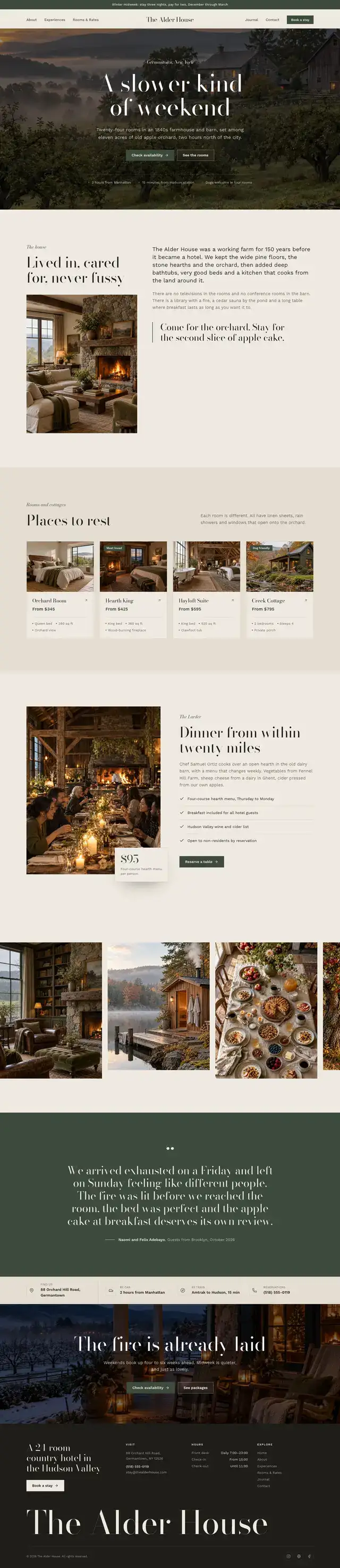
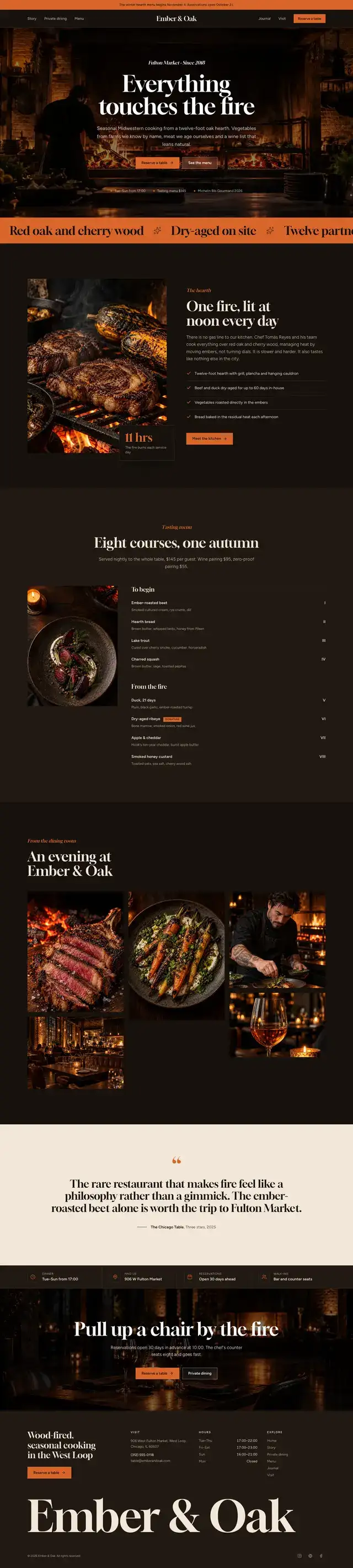
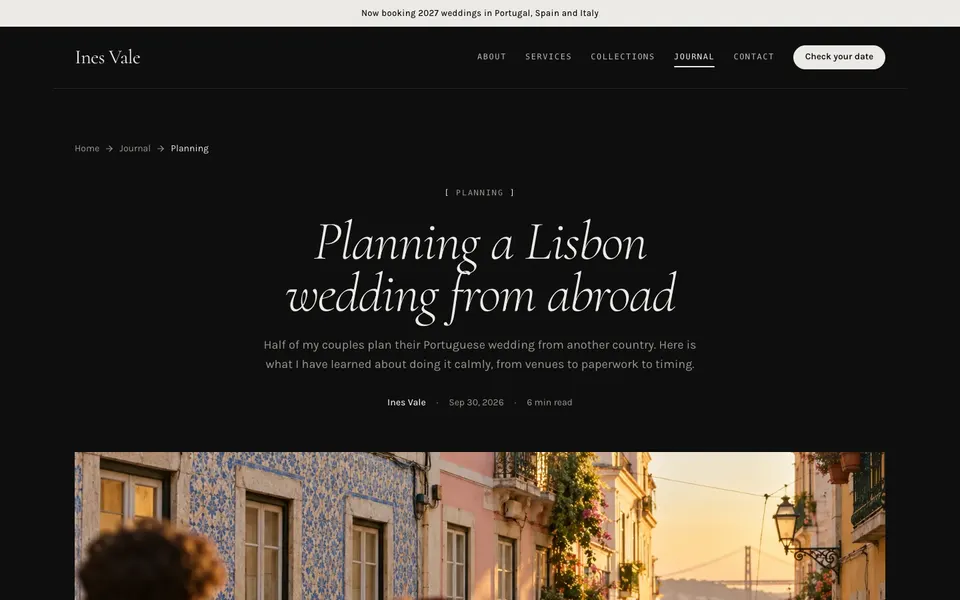
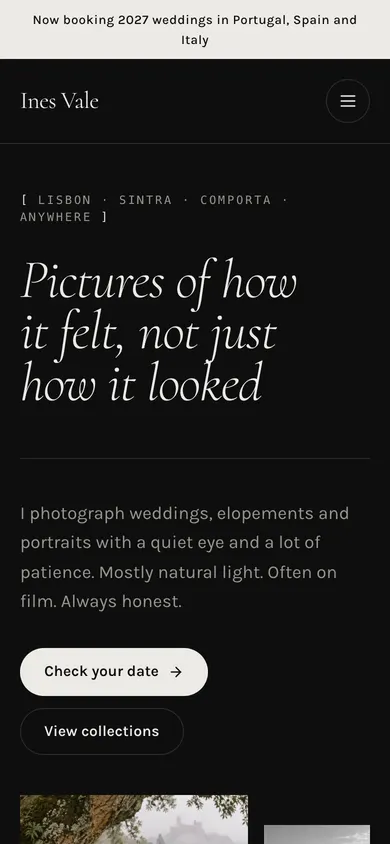
A dark, gallery-first template for wedding, portrait and editorial photographers. Near-black backgrounds, a light italic serif and square-cut images let the work do the talking. Inside: an editorial hero, masonry gallery, collections pricing, a calm booking process, a featured client story and a journal for planning guides.
$19$49
one-time, no subscription
Instant download · 7-day refund before first download
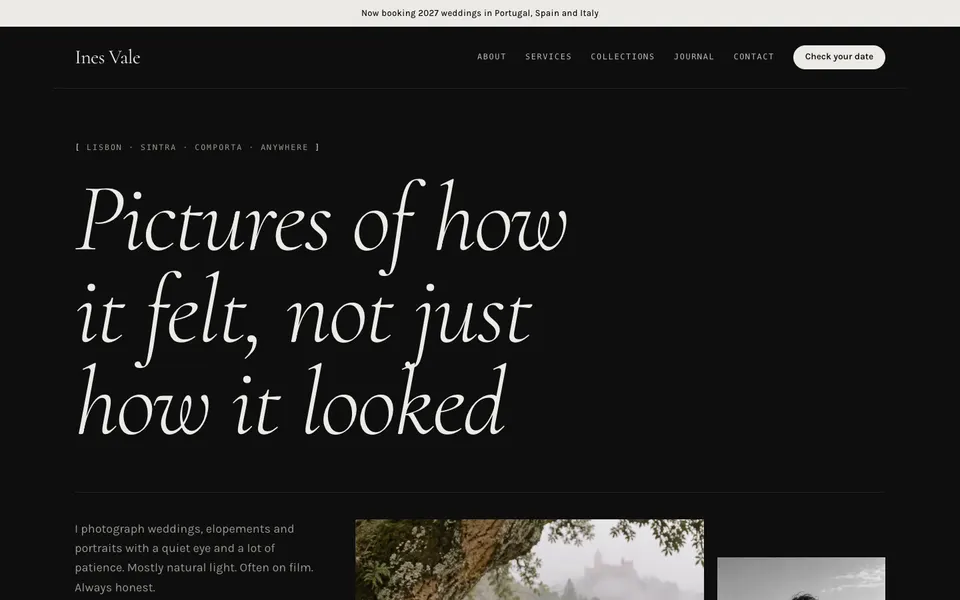
Every page, finished
9 pages · 38 sections · 20 photos
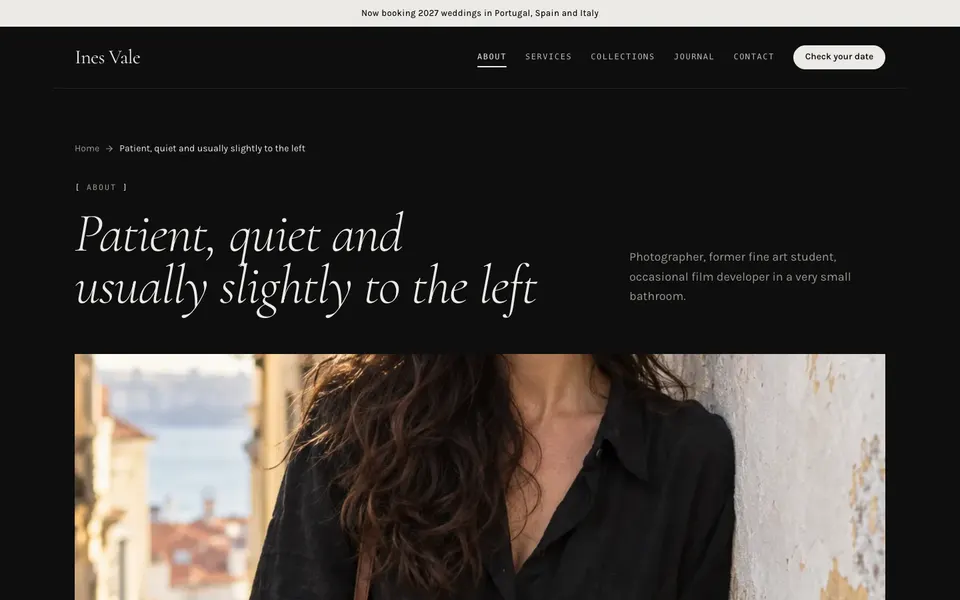
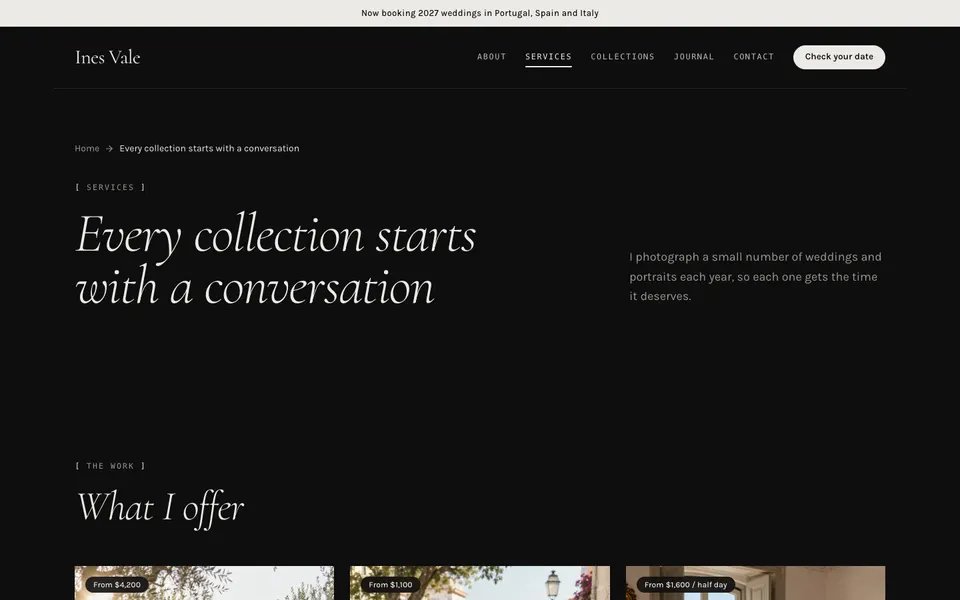
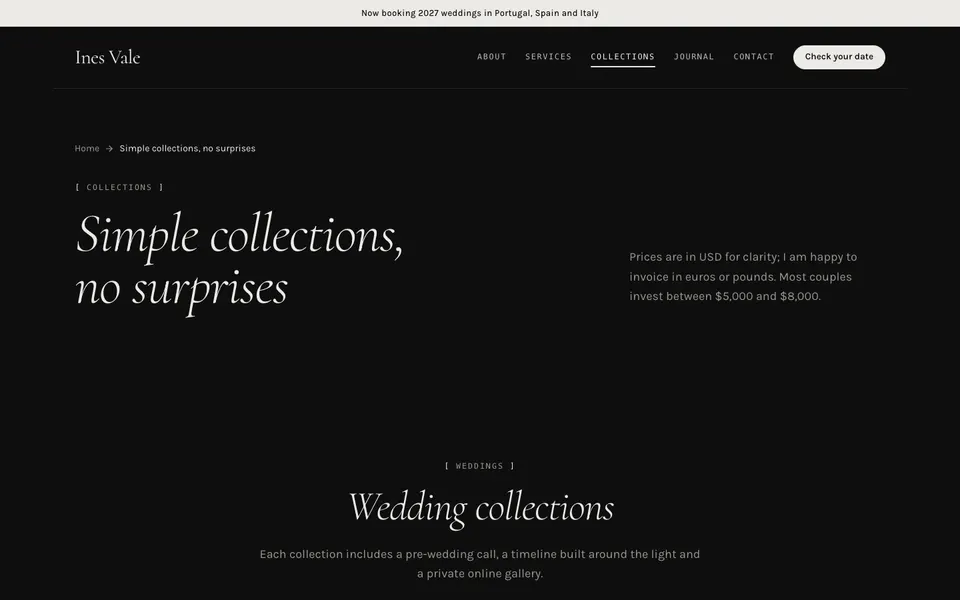
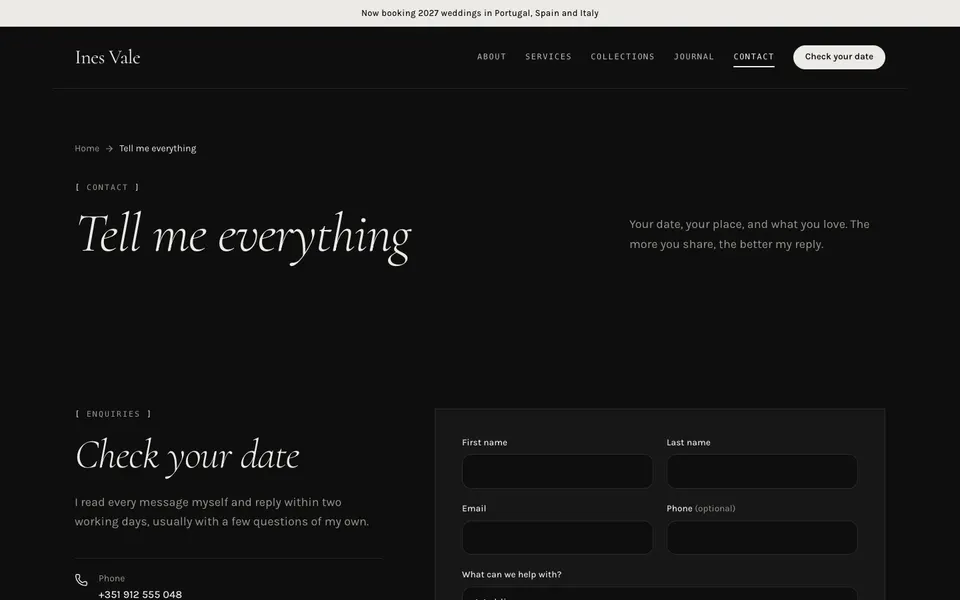
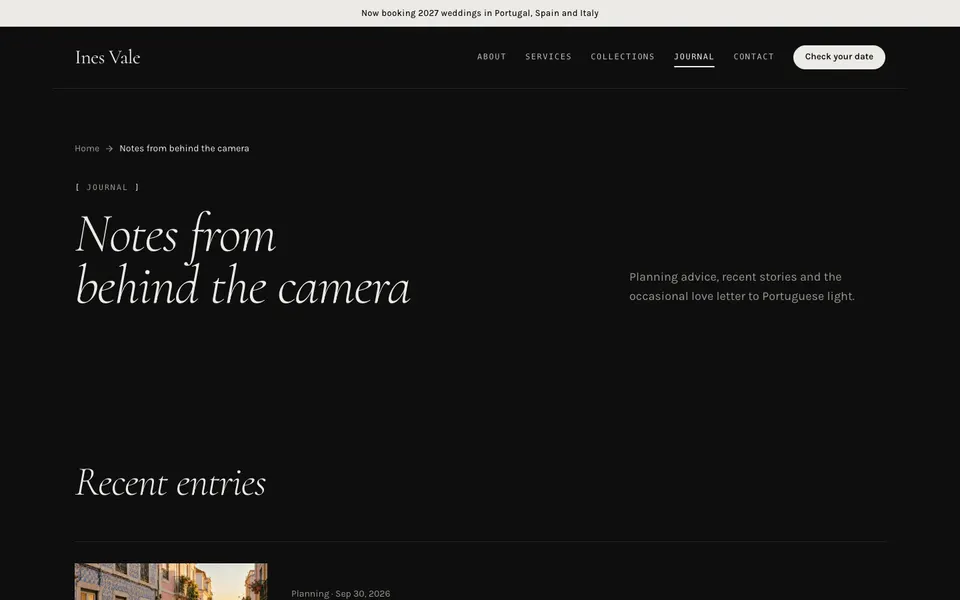
Design system
- Display face
- Cormorant
- Body face
- Karla
- Header · footer · images
- editorial · minimal · square
- paper
#0E0E0E - surface
#171717 - ink
#ECEAE6 - muted
#9A958D - line
#2A2A2A - brand
#ECEAE6 - brandInk
#0E0E0E - accent
#A8957A
What’s inside
- Next.js 16 project — App Router, static export, TypeScript
- Astro 7 project — same components as .astro files
- Plain HTML — compiled Tailwind CSS, open index.html
- 20 photos as WebP at 1600px and 800px, plus the prompts
- All copy in one site.json — names, prices, hours, posts
- Working contact form markup (Formspree-ready) and thank-you page
- SEO titles, descriptions and Open Graph tags on every page
Sections used
- Editorial hero
- Gallery
- Story
- Service list
- Feature quote
- Process steps
- Call to action
- Page header
- Stats
- Logo strip
- Testimonials
- Service cards
- Image + text
- Feature grid
- Pricing tiers
- Price list / menu
- FAQ
- Contact form + details
- Info bar
- Article grid
- Newsletter
- Article layout
Next.js 16
App Router · static export
Astro 7
Components + content JSON
Tailwind 4
Theme as CSS variables
HTML
Compiled CSS, no build
About the photographer template
Will my photos look good on a dark background?
Yes. Dark galleries flatter both film colour and black-and-white work, and the square image style keeps the focus on composition.
Can I use it for portraits or commercial work only?
Yes. Rename the collections and service list for portrait, family or brand work; the layout stays the same.
How many gallery images can I show?
The gallery section takes up to eight images per block, and you can repeat it on any page for separate series.
Can I use it for a client?
Yes — unlimited personal and client projects. You just can’t resell the template itself.
How do I change the business name, colours and photos?
Edit site.json for words and images; change the eight colour variables and two font names at the top of global.css. Every page follows.
Building for this industry? Read the photographer website template guide.